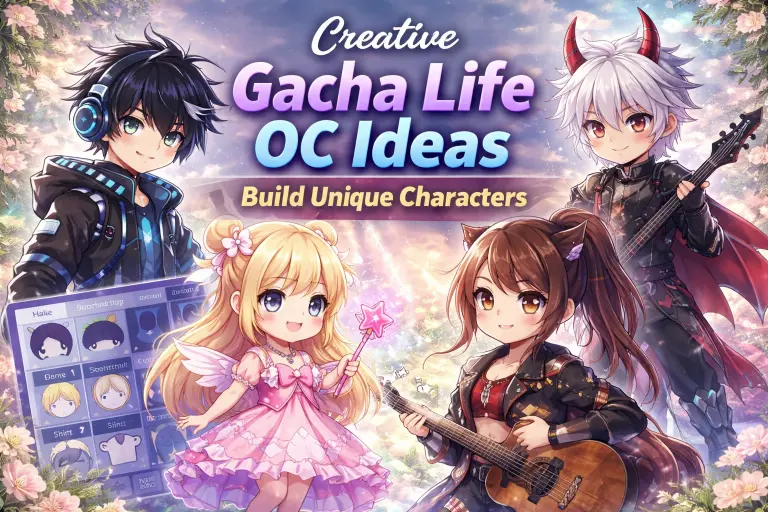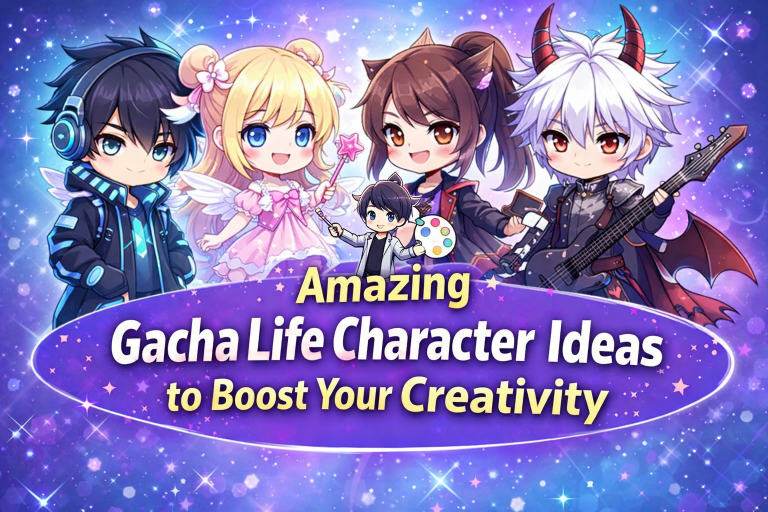
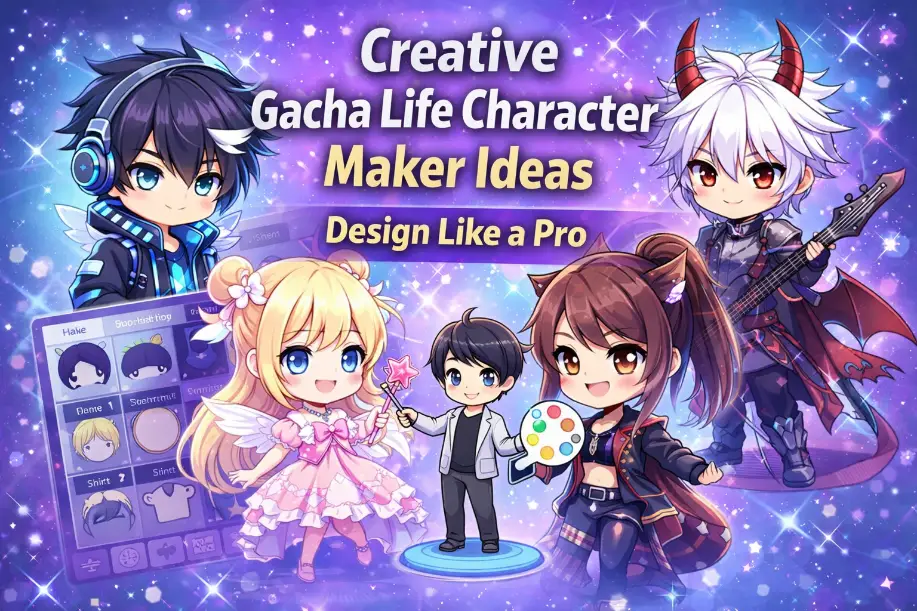
Creative Gacha Life Character Maker Ideas (Design Like a Pro)
Introduction
If you’ve ever opened Gacha Life and spent 10 minutes just switching hairstyles, you’re not alone. The gacha life character maker gives you so many options that it’s easy to feel stuck instead of inspired.
The truth is, great characters don’t come from random clicks. They come from a simple idea, a bit of direction, and small creative choices that actually make sense together. That’s exactly what this guide is about.
Whether you want to create something cute, aesthetic, or completely unique, this will help you design characters that actually look intentional, not messy. And if you’ve already explored some gacha life character ideas, this guide will take things a step further and show you how to build them properly.
What Makes the Gacha Life Character Maker So Powerful?
The gacha life character maker isn’t just about changing outfits. It’s basically your creative playground.
You’re not just customizing:
- Hair
- Eyes
- Clothes
You’re building a personality.
That’s why two people can use the same items and still create completely different characters.
The difference?
One has a concept.
One is just clicking randomly.
Tip: Before you start, ask yourself: who is this character?
Start With a Simple Concept (This Changes Everything)
Most people skip this, and that’s why their characters feel off.
Instead of jumping into the editor, start with a clear idea like:
- Shy school girl
- Dark anti-hero
- Soft aesthetic boy
- Fantasy warrior princess
Now everything becomes easier:
- Colors match
- Outfit makes sense
- Accessories feel natural
Without a concept, even the best tools in the gacha life character maker won’t help much.
Tip: One clear idea is better than random editing.
Boy Character Ideas That Actually Look Good
Most boy characters end up looking the same. Here’s how to avoid that.
Ideas you can actually use:
- Streetwear gamer
Hoodie, headphones, relaxed vibe - Cold mysterious guy
Dark outfit, minimal colors, serious eyes - Anime-style fighter
Slight scars, sharp eyes, strong posture - Soft introvert
Light colors, simple outfit, calm expression - Tech or hacker vibe
Neon accents, glasses, futuristic touch
The key is not just the idea, but how cleanly you execute it using the gacha life character maker.
Tip: Avoid mixing too many styles in one character.
Girl Character Ideas That Stand Out
With girl characters, people often add too much detail. That usually makes the design look messy.
Clean and creative ideas:
- Elegant soft girl
Light tones, simple dress, calm look - E-girl style
Dark and pink combination, layered outfit - Fantasy fairy
Nature colors, wings, soft glow - Confident rebel
Jacket, bold colors, strong expression - Magical anime girl
Bright palette, balanced accessories
The gacha life character maker gives you freedom, but control is what makes designs look better.
Tip: If something feels too much, remove one element.
Aesthetic Designs (Less Is Better)
Many users think more details make a better character, but that’s not true.
Clean aesthetic approach:
- Stick to 2–3 colors
- Avoid random accessories
- Keep expressions simple
- Match tones properly
This is where the gacha life character maker works best—when designs are balanced.
Tip: Try creating a character with fewer elements and compare the result.
Adding Story Makes Your Character Better
The best characters don’t just look good. They feel like they belong somewhere.
Try ideas like:
- A prince hiding his identity
- A time traveler in a modern world
- A quiet student with hidden powers
- A futuristic scientist
Now your outfit, colors, and accessories all have meaning.
That’s when the gacha life character maker becomes more than just customization.
Tip: Think about your character’s background while designing.
How to Use the Gacha Life Character Maker (Simple Process)
Follow this structure to get better results:
Step-by-step:
- Choose a concept
- Pick a color palette
- Customize face and hair
- Add outfit based on theme
- Use limited accessories
- Adjust pose and background
If you’re new, you can explore more features after you download the game or try different styles in old versions. Some users also prefer designing on iOS for smoother performance.
Tip: Save multiple versions to compare and improve.
Common Mistakes to Avoid
These mistakes reduce quality quickly:
- Too many colors
- Random outfit combinations
- Overuse of accessories
- No clear concept
Fixing these alone can improve your designs immediately.
Tip: Clean and simple always looks better than crowded designs.
Where to Get Inspiration Without Copying
If you run out of ideas, try:
- Pinterest for outfits and styles
- TikTok for trends
- Anime for concepts
- Other creators for inspiration
Use these sources to build your own style, not copy others.
Conclusion
The gacha life character maker gives you all the tools you need, but the results depend on how you use them. With a clear concept, clean design choices, and a bit of creativity, you can create characters that truly stand out.
Start simple, improve step by step, and experiment with new ideas. Over time, your designs will naturally become better.
Open the editor, try a new concept, and create something better than your last character.